How to Redeem Anime Zero Codes
Exact lobby steps for claiming Coins, Gems, Rolls, Lucky Spins, and Trait Rerolls on Roblox.
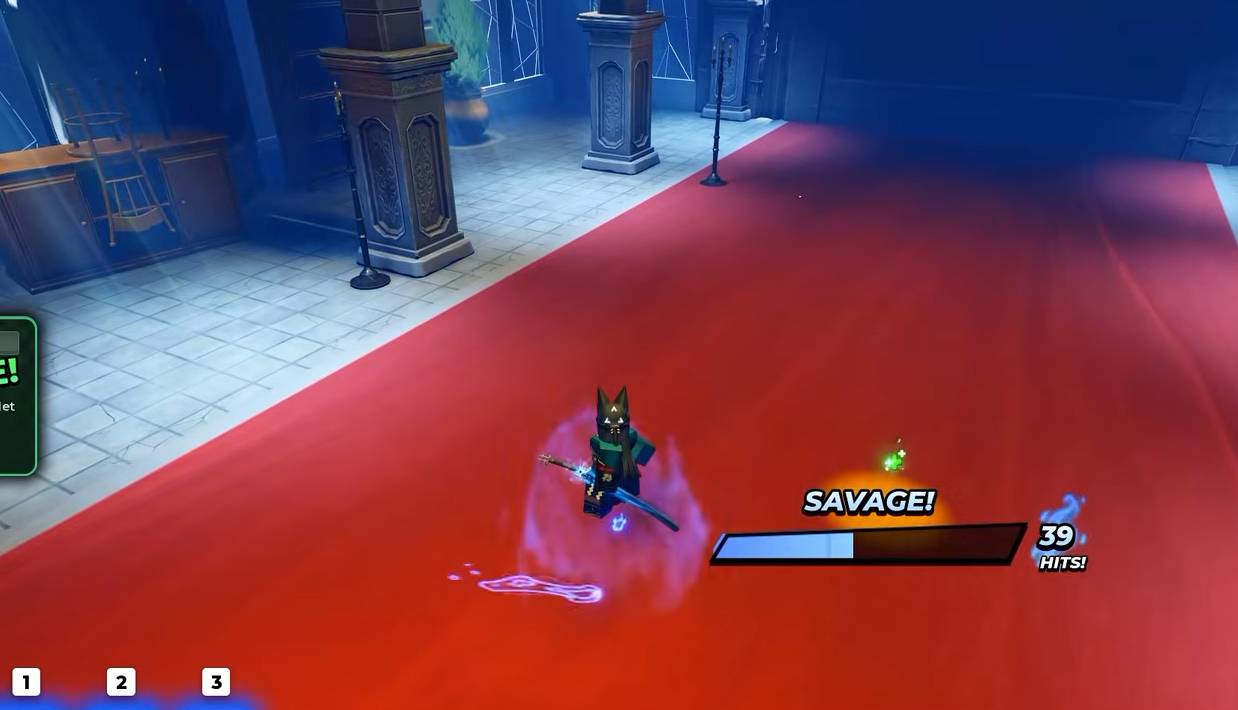
Redeeming Anime Zero codes takes less than a minute once you know where the lobby button sits. New players often miss the right-side Codes panel, mistype apology codes, or redeem before the lobby finishes loading. This guide walks through the full flow, common failures, and what to do with rewards after they land.
For the live string list, keep the Codes Hub open in another tab so you can paste each code without retyping.
Before you open the Codes menu
- Launch the correct experience: Anime Zero on Roblox by LY*. Avoid similarly named tower-defense or simulator places.
- Wait until the lobby UI fully appears. Redeeming during the loading splash can silently fail.
- Optionally join the LY* Roblox group first so you can claim group rewards in the same session.
- Copy codes from the working codes table rather than screenshots that may crop characters.
Step-by-step redemption
- Stand in the main lobby (not inside a Story run).
- Look to the right side of the screen for the Codes button.
- Click Codes to open the text field.
- Paste a single code such as
PATCHNOTE67or1MVISITS. - Press Redeem.
- Watch the top of the screen for the reward toast confirming Coins, Gems, Rolls, Lucky Spins, or Trait Rerolls.
- Clear the box and paste the next code until the active list is empty.
There is no separate level gate reported for the current redemption menu. If the button is missing, rejoin the server or update Roblox, then return to the lobby.
Mobile and console tips
On mobile, the Codes control still sits on the right side of the lobby HUD, but UI scaling can push it near other buttons. Rotate to landscape if the panel feels cramped. Paste from your clipboard when possible; long codes like HOP3YOU3NJOY are easy to mistype on a phone keyboard.
Console players should use an on-screen keyboard carefully and double-check for trailing spaces after voice-to-text or autocorrect inserts characters.
Troubleshooting failed codes
Nothing happens after Redeem
- Remove leading or trailing spaces.
- Confirm the code is still listed as active on the Codes Hub.
- Rejoin a new lobby after a patch — outdated servers can reject fresh strings.
Already redeemed
- Each code is typically one claim per account. Skip it and move on.
Invalid code
- Check spelling against the hub table. Example: use
SORRYXD67, notSORRYXD67-. - Do not confuse Anime Zero codes with World // Zero or Anime Zero Simulator codes.
Rewards missing from inventory
- Look at currencies in the lobby HUD first; Rolls and Lucky Spins may not appear as inventory items.
- Soft rejoin once if the toast appeared but totals did not refresh.
What to spend first
After a full redeem pass you may hold hundreds of Rolls plus a large Lucky Spin stack. A practical order:
- Use standard Rolls until both Arsenal slots have comfortable weapons (Legendary is a strong early breakpoint).
- Apply a damage enchant and unlock the first skill-tree damage node — details in Getting Started.
- Hold most Lucky Spins until you review the arsenal tier list and decide whether you are chasing Cataclysm, Dragon Eclipse, or another target.
- Save Trait Rerolls for weapons you plan to evolve, covered in the abilities guide and traits tier list.
Pair codes with other free rewards
Codes are only one freebie channel. Also:
- Claim Roblox group rewards tied to LY*.
- Clear early achievements and milestones after your first Story runs.
- Park in the AFK Chamber when you step away so passive rewards keep flowing.
- Finish lobby quests that overlap with dungeon objectives.
When a new patch drops apology codes such as LESSLAG or PATCHNOTE67, redeem immediately, then skim Updates so you understand what the patch changed before spending fresh currency.
Related codes pages
- Codes Hub — full active list and reward table
- Getting Started — turn free currency into combat power
- Updates — why patch codes appear
- Scripts — community automation that can auto-redeem (ToS risk)
Frequently Asked Questions
Quick answers for Anime Zero players.
Where is the Anime Zero Codes button?
On the right side of the main lobby HUD. Open it after the lobby finishes loading, not during a dungeon run.
Can I redeem codes on mobile?
Yes. Use the same right-side Codes button and paste from your clipboard when possible to avoid typos.
Do I need a certain level to redeem?
No level gate is reported for the current menu. Being fully loaded in the lobby is the main requirement.
What if Redeem says the code is invalid?
Check spelling against the Codes Hub, remove spaces, and confirm you are in the LY* Anime Zero place rather than a similarly named game.